













Email from your domain, sent with one call.
Add your domain, write a template with a live preview, and send it with one API call. Every email is signed as yours, so receiving servers know it came from you.
Send from your domain, not ours.
Add your domain, then set the DNS records Mail gives you, or send a setup link to whoever runs your DNS. Every email is then signed as yours.
Templates with a live preview, then one call to send.
Write the email once, with a placeholder for each detail, and watch the preview as you type. Your code sends it with one call and the details to fill in.
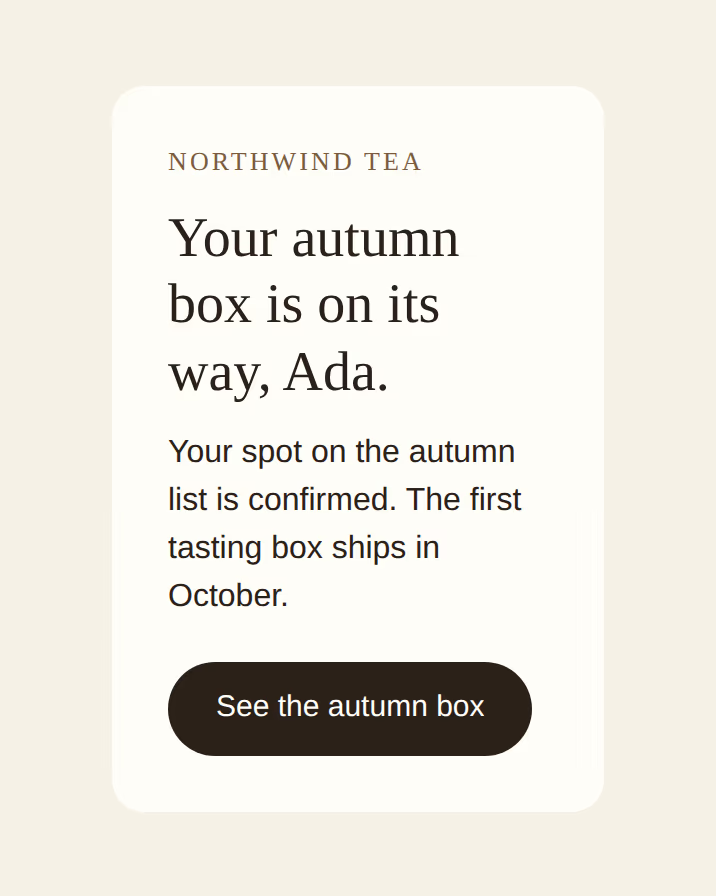
Retries never send twice.
The SDK sends a key with every email and reuses it when it retries. However often your code tries, the email goes out once.
Broadcasts to the right people, with one-click unsubscribe.
Send one email to a segment or a topic, now or on a schedule. Every broadcast carries a one-click unsubscribe that the major mailboxes recognise, and people who leave are left out of the next send.
How it works
Your first email in three steps.
- Turn on Mail and add your domain in the console.
- Write a template and check it in the live preview.
- Send it from your server with
@productcraft/mail.
import { Mail } from "@productcraft/mail";

// Reads PRODUCTCRAFT_API_KEY from the environment. A workspace key
// finds its own workspace; pass { workspaceId } to skip that lookup.
const mail = new Mail();

const accepted = await mail.templates.send(
  "welcome",
  {
    from: "noreply@acme.com",
    to: "ada@example.com",
    data: {
      name: "Ada",
      product: "Acme",
      startUrl: "https://app.acme.com/onboarding",
    },
  },
  // The SDK generates an Idempotency-Key and reuses it on retries.
  // Pass your own to dedupe across processes: a replay returns the
  // original response with Idempotent-Replay: true for 24 h.
  { idempotencyKey: "welcome-2026-05-22-ada" },
);
console.log(accepted.id);
More in the box
Everything else Mail does.
- Attachments Attach invoices, tickets and reports, up to 10 MB per email, and put images inline. Files that can run are refused.
- Your own email provider Send through any SMTP service, per workspace or per domain.
- Suppression list Addresses that hard-bounce or mark your mail as spam are blocked from later sends. Add or remove addresses yourself.
- Delivery timeline Every message keeps its timeline, from accepted to delivered or bounced.
- Bodies kept out of the log Turn it on and Mail doesn’t keep what it sent, so single-use links and codes never sit in the message log.
- Contacts and topics Keep contacts with their consent, import them from a CSV, and let people choose the topics they hear about.
- Receive mail too Set a domain up to receive as well as send, and read what arrives in the console or through the API.
- Signed webhooks Events for sends, deliveries, delays, bounces, complaints and failures, plus opens and clicks when tracking is on, with Send test, an event log and replay.
- Open and click tracking Off until you turn it on, per domain or per email. Opens, clicks and the most clicked links, with Apple’s automatic opens and link scanners marked.
- Hosted in the EU Mail runs in Frankfurt and sends from the EU.
For your AI agents

MCP tools for domains, templates, contacts and broadcasts, behind the policies you set on each key, so you decide whether an agent may only read or may also send. Read about MCP
Your first email, end to end.
Verify a domain, write a template and send it from Node. ProductCraft sends its own email through Mail.